
Availability and timing
Which providers serve the building, whether construction is required, and what a realistic install window looks like.
Connectivity sourcing
Compare fiber business internet, high speed internet for business, 5G business internet, failover, and phone-bundle paths with the installation and support details that change the outcome.
Internet options are a property-by-property question, not a city-by-city one, which is why two neighboring buildings can produce different answers. Providers describe an address as on-net when their network already reaches the building, or near-net when their network is nearby but additional work is needed to connect it. Off-net means the provider does not currently have its own network connection to the building, so service may require another carrier or additional construction. Any construction or building access work can affect cost and installation time. Availability is confirmed through provider qualification at the exact address and suite, not simply from an advertised service or coverage map.
Which providers serve the building, whether construction is required, and what a realistic install window looks like.
Upload speed, symmetry, latency, static-IP needs, and concurrent use, not just the headline download number.
Support, service terms, equipment, failover, and whether a second circuit belongs in the design.
Fiber business internet can be a strong fit for cloud applications, video, and voice, particularly when the available service plan offers symmetrical upload and download speeds. High speed internet for business can also include cable broadband or fixed wireless; the right choice depends on concurrent use, upload requirements, actual availability, installation timing, and service expectations.
Fiber carries data as light over glass and supports a wide range of business internet speeds and capacity options. What matters most for modern business workloads is the upload direction: cloud backups, video calls, hosted voice, file sharing, and anything uploading to a customer or remote system all depend on it, and where upload capacity is a small fraction of download, those tasks compete for a narrow channel while ordinary browsing looks perfectly healthy.
Whether a fiber plan actually delivers matching upload and download rates depends on the service you buy rather than on the technology itself. Some fiber products are sold with symmetrical speeds, others are not, so it is worth checking what a specific plan commits to instead of assuming from the word fiber.
That is also why two businesses with fiber available to them can end up with very different outcomes. Availability, pricing, and service commitments all vary by address and by provider, and comparing them means looking at the rates each option actually offers, the terms attached to them, and what is genuinely available where the site is.
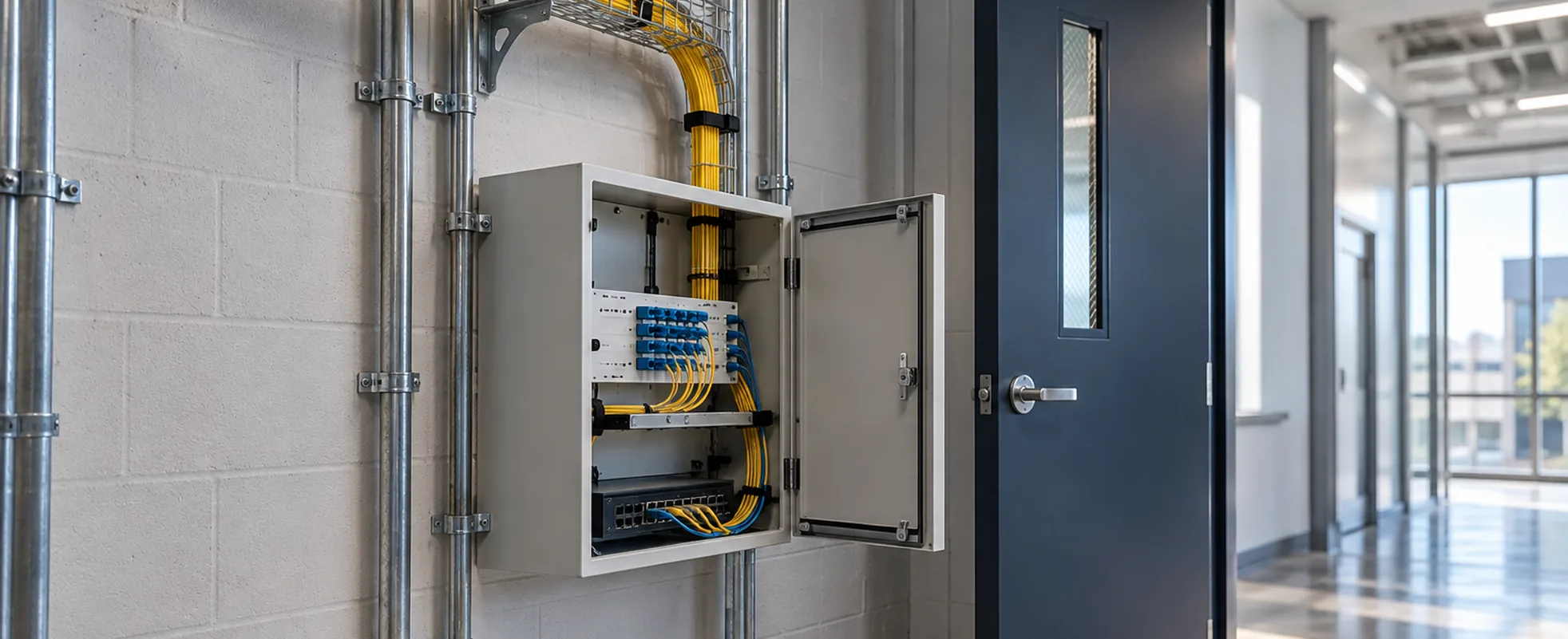
The right bandwidth for business internet providers to quote depends on how a location actually uses the connection, not a single number that applies everywhere. User count matters, but so does how many of those users are active on bandwidth-heavy tasks at the same time: ten people checking email looks nothing like ten people on video calls simultaneously. Cloud applications, hosted VoIP, and video meetings each add ongoing demand rather than a one-time spike, and large file transfers or backups can temporarily saturate a connection that otherwise feels adequate. Upload requirements deserve separate attention from download: cloud backups, video calls, and VoIP all push data outbound, and a connection with strong download speed but weak upload can still leave calls choppy or backups crawling. Where several of these uses run at once, symmetrical service, matching upload and download capacity, becomes more relevant than the download number alone. There is no universal Mbps figure that fits every business; the right number comes from mapping actual usage against the plans available at the address.
That consistency matters most for organizations running business-critical applications: real-time voice, video, point-of-sale, or systems where a slowdown has an immediate operational or revenue impact. A business running mostly email, browsing, and occasional cloud access may never notice shared-connection variability and has little reason to pay for dedicated capacity it won't use. The decision comes down to how much a temporary slowdown actually costs the business, not which option sounds more robust on paper.
Fixed wireless and 5G business internet can serve two different roles: primary connectivity where wired service is limited or slow to install, or a backup path for a site that needs to keep working through a wired outage. In either role, we compare the actual offer at the address, including qualification, performance expectations, equipment, and data or usage terms, against the wired options rather than treating it as equivalent to fiber.
A backup is most useful when it shares as few failure points as possible with the primary. Another carrier or a different access medium, such as a wireless backup behind a fiber or cable primary, can improve resilience, but a different provider name does not prove an independent path; real independence depends on the underlying routes, shared facilities, and the on-site equipment and power both connections rely on. A second connection also needs failover, manual or automatic, that has been designed and tested for the applications that matter most. To work through whether wireless should be your primary connection, a backup, or neither, see the dedicated guide.
A business internet and phone bundle can simplify billing and coordination, but one provider is not always the best technical or commercial fit. We compare bundled and separate-provider paths so the circuit, phone system, and backup design are selected on their merits.
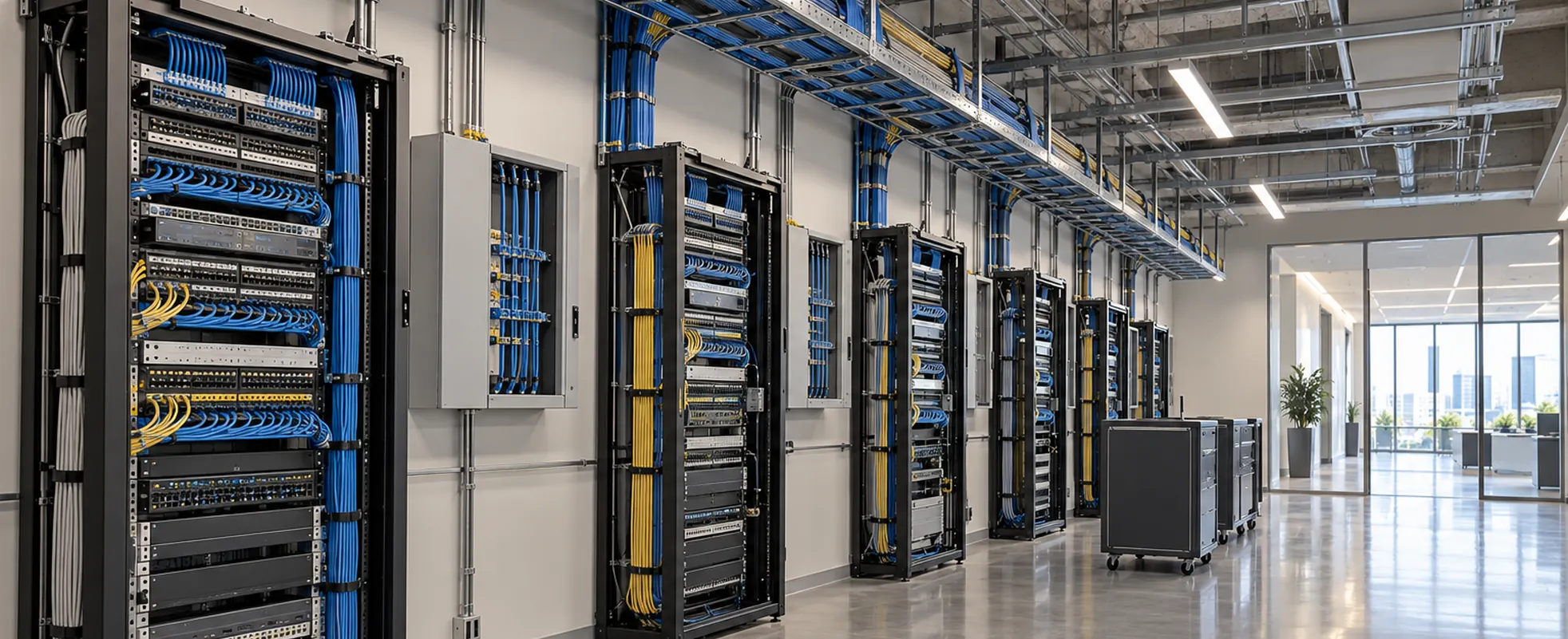
Business internet providers price the same request differently depending on a handful of factors, so two quotes for what sounds like "the same service" often aren't directly comparable. Service type (fiber, cable, fixed wireless, or dedicated internet access) sets the baseline, and bandwidth requirements move the number from there. Service address matters as much as anything: actual availability at a location, and whether construction or special installation work is needed to bring service to the building, can add cost and time that a quote for a nearby address wouldn't include. Equipment (routers, switches, or managed hardware) may be included, leased, or billed separately. Static IP requirements, contract length, and support or service-level expectations each get priced on their own terms by different providers. None of this means one provider is pricing "correctly" and another isn't; it means comparing quotes requires knowing which of these factors each number actually includes.
The right connectivity choice for one address doesn't automatically transfer to another; provider availability varies location by location, and a fiber option at headquarters may not exist at a branch office down the street. Standardizing requirements across locations, like target bandwidth, backup connectivity, or support expectations, is worth doing; assuming every site has access to the same providers or service types is not. That leaves a choice between using one carrier everywhere it's available and filling gaps with a different provider, or selecting the best-fit provider independently at each address. Either path needs installation and cutover coordinated across locations so sites don't move on inconsistent timelines, and each site still needs its own answer for primary and backup connectivity rather than inheriting one from headquarters. Once a business is managing several sites with different providers and connection types, managed SD-WAN becomes a relevant way to unify how traffic is routed and secured across the network.

Provider availability is address-specific, and a provider whose service covers your city may still not reach your building, or may reach it only with construction work. The qualification that counts happens at the exact service address rather than at a postcode or city level. Useful details to have ready are the street address, the suite or floor, whether the building already has fiber or cable entering it, and what the current connection is. Availability and any construction requirement are confirmed by the provider, not assumed from a map.
The answer depends on concurrent use rather than headcount, so there is no single correct figure. Ten people checking email is a very different load from ten people on video calls at once. Count the applications that run continuously (hosted voice, video meetings, cloud systems), then add the ones that spike (large uploads, offsite backups, file transfers). Upload deserves its own estimate: cloud backups, video calls, and VoIP all push data outbound, and a connection with fast download but weak upload can still leave calls choppy. The number that fits comes from mapping actual usage against what the address can actually get.
No. Fiber is often the strongest fit where it is available and where the workload needs symmetric capacity, cloud applications, video, and simultaneous voice traffic. It is not automatically the answer where it has not been built to the building, where construction would add significant cost or delay, or where the workload is light enough that a shared connection would never be noticed. Cable broadband and fixed wireless can serve a location well in the right circumstances. Availability, timing, and actual demand decide it. The reputation of the technology does not.
Sometimes, but not by assumption. Provider coverage varies building by building, so a carrier that serves headquarters well may not reach a branch a few miles away, or may reach it with a different product and different timelines. The workable approach is to standardize what you are asking for (target bandwidth, backup requirements, support expectations) and then let the provider choice follow availability at each address. Either path works: one carrier wherever it reaches, backfilled with others, or the best fit chosen independently per site. Both paths need installation and cutover coordinated so locations do not move on inconsistent timelines.
That depends on what an outage actually costs the business during the hours it lasts. For a site running point-of-sale, real-time voice, or customer-facing systems, a second path is usually worth evaluating. For a site where a short interruption is an inconvenience rather than a loss, it may not be. If a backup does go in, its value depends on how little it shares with the primary: two circuits that enter the same building, use the same conduit, or rely on the same on-site power and equipment are less independent than they appear. A different provider name is not proof of a different path.
Two quotes for what sounds like the same service often are not comparable, because providers include and exclude different things. A quote you can compare against another should state the service type, the committed bandwidth, the exact service address, whether construction or special installation is required, what equipment is included or leased, static IP allocation, contract length, and the support or service-level terms. A headline monthly figure without those details does not tell you what you are buying. Asking each provider to price the same stated requirement is what makes the comparison meaningful.
Shared bandwidth is provisioned from a pool that other customers in the area also draw from, so performance can vary with local demand even when your own usage has not changed. Dedicated internet access reserves committed capacity for one business at the service handoff, at a higher cost, with the service level agreement defining what is actually committed. Most business internet is shared and performs well enough for email, browsing, and occasional cloud access. Dedicated capacity earns its cost where a temporary slowdown carries an immediate operational or revenue impact. What a slowdown costs is the deciding factor.
The main practical difference is the access network and how it is built. Fiber carries data as light over glass; cable service is delivered over a hybrid fiber-coax network, and cable has historically been built with more capacity in the download direction than the upload direction, though newer cable technology narrows that gap. That does not make either technology reliable or unreliable on its own: reliability and service quality depend on the specific provider, product, and network conditions rather than the access type alone. What is worth comparing is the speeds each option actually commits to, the service terms attached, availability at your address, and cost.
Share the location, applications, current pain point, and deadline. We’ll source a clear set of paths.