
Capacity and calling
Call paths, usage, and numbers sized to actual demand.
Business voice connectivity
Keep your PBX, SBC, and numbers while comparing providers on capacity, compatibility, cutover, resilience, support, and total cost.
Call paths, usage, and numbers sized to actual demand.
PBX compatibility, number porting, and outage behavior.
Support ownership, contract terms, and quote assumptions.
SIP trunking connects an existing PBX or calling platform to the public phone network over IP, replacing copper lines or a legacy PRI. RFC 3261 defines the signaling that sets up, modifies, and ends calls; trunking connects them to the PSTN. Keeping the platform can make sense when its call flows, contact center scripts, CRM integrations, recording, or hardware still serve you.
If the PBX itself is the problem, such as limited administration, remote access, or vendor support, a new trunk will not solve it. Compare a cloud phone system instead.
A PRI (Primary Rate Interface) is a digital voice circuit with a fixed number of channels; in North America, a T1 PRI provides 23 bearer channels for calls and one signaling channel. Replacing it should start from what the current environment does, not from reordering the same channel count. Not every item applies to every site.
Some environments can keep the PRI live while SIP trunks are configured and tested, so calling, routing, numbers, emergency calling, and dependent devices can be checked before the old service is disconnected. Whether that is possible depends on the PBX, the providers, and the migration design, so confirm it during scoping.
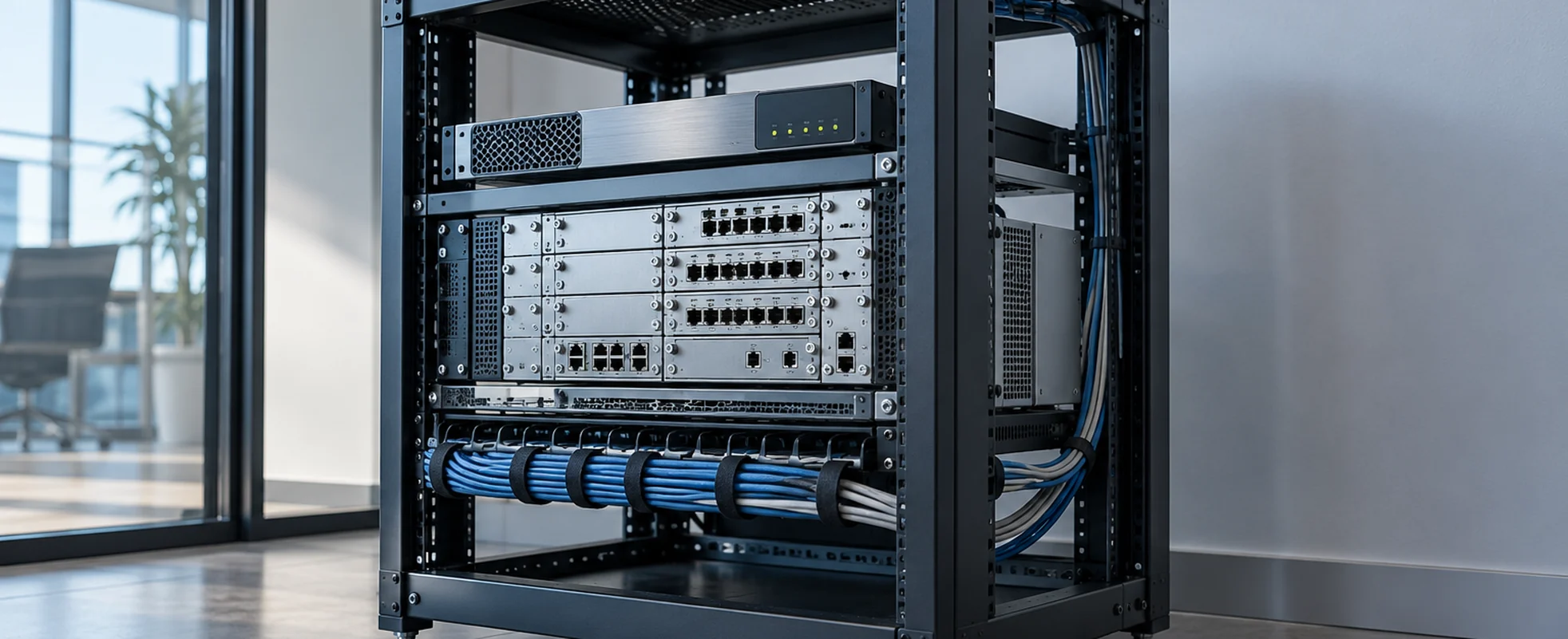
Start with the calling system you will keep and who manages each handoff.
For a PBX or contact center platform that mainly needs PSTN connectivity. Carrier and wholesale offers differ in purchasing access and support ownership, so identify who manages the trunk, SBC, numbers, and routing.
A broader voice provider may fit a phased move from PBX to cloud users. Confirm it supports your current system, how numbers move between environments, and whether the trunk requires other licenses.
For Teams Phone, compare the complete route through a Microsoft-certified SBC and compatible SIP trunk. Identify who runs the SBC, supplies PSTN connectivity, and troubleshoots each boundary.
Your PBX or SBC may narrow the options; SourceNet can help check interoperability and support ownership first.
SIP trunking services are priced differently depending on peak concurrent call paths, local and toll-free numbers, inbound and outbound traffic, and domestic or international destinations. One offer may bundle calling; another may bill usage or overages separately.
Ask each provider to itemize recurring trunk or channel, number, usage, E911, support, and redundancy charges, alongside one-time porting, SBC or licensing, configuration, testing, and professional services. Confirm contract length, minimum commitments, and how charges change with capacity or call volume.
A low per-channel or per-minute rate can hide differences in numbers, calling, failover, and implementation, so compare recurring and one-time totals over the same term and traffic profile.
Sizing SIP trunks by headcount, one path per employee, is usually wrong in both directions. Most offices rarely have more than a fraction of staff on calls at once, so headcount-sized paths sit idle. Contact centers, dispatch, and other high-call-volume teams have the opposite problem: concurrency can spike well past seat count during peak hours or outbound campaigns.
What matters is your real concurrent call volume at peak, which comes from your call patterns rather than a rule of thumb. Pin it down before comparing quotes.
Not every PBX handles SIP the same way, which is where an SBC often earns its place: protocol interoperability, NAT traversal, and the security boundary between your network and the provider's. Some environments need a dedicated SBC; others work with a PBX that has solid native SIP support and a well-configured firewall. The right topology depends on the PBX, the provider, and how much of that boundary you want managed.
Ask about transcoding early too: if your PBX and the provider's network don't agree on codecs, something in the path has to convert between them, which affects call quality and where the processing load sits.
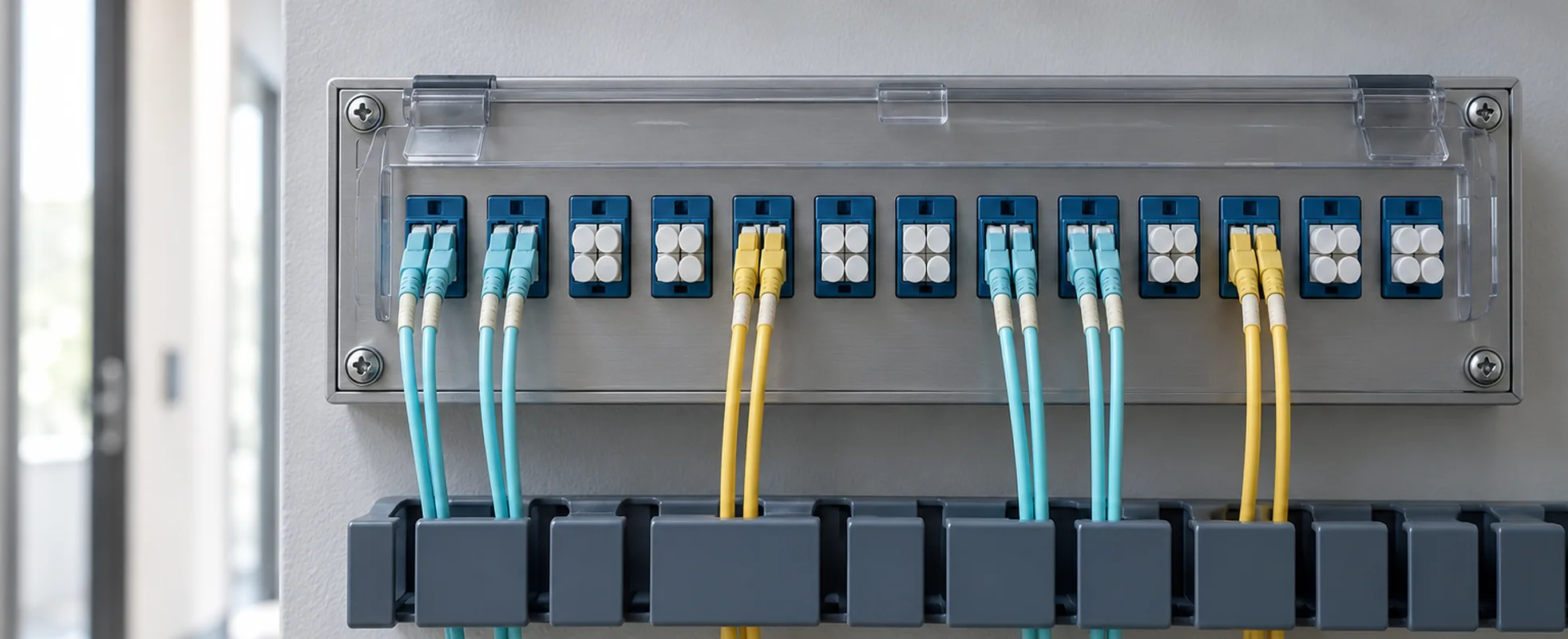
That tradeoff depends on call volume and the circuit, and the network underneath matters just as much. Voice doesn't tolerate latency, jitter, or packet loss the way a file download does: Cisco's QoS for VoIP guidance points to the ITU's recommendation of under roughly 150ms one-way latency, jitter buffers that stop helping past about 100ms of variation, and (for a compressed codec like G.729) packet loss held far below 1% to avoid audible dropouts. Congestion on a shared circuit shows up as call quality problems first, which is why QoS (prioritizing voice traffic) is the usual answer; how it's configured depends on your network.
Direct Routing is the Teams Phone architecture that uses your SIP trunks. A Microsoft-certified SBC, chosen from Microsoft's certified SBC list and configured to Microsoft's Direct Routing planning guidance, sits at the supported boundary between Teams Phone and the carrier's PSTN environment. Teams already reaches the SBC over SIP secured with TLS; it's the SBC, not Teams itself, that peers with the carrier's SIP trunk. That makes the SIP-specific questions trunk compatibility with the SBC, how existing numbers move onto the trunk, and who owns troubleshooting at the SBC and carrier handoff. For Direct Routing versus Operator Connect, Calling Plans, or a separate cloud phone system, see the Microsoft Teams calling comparison.
Porting often goes sideways because of paperwork and sequencing rather than technical setup. Start with a clean DID inventory and the losing carrier's account details; a port request that doesn't match their records is the fastest way to a rejection. Depending on the carriers, you may need a letter of authorization (LOA), a formal port request, and a confirmed firm order commitment (FOC) date before cutover can be scheduled, and each step varies by carrier.
Test inbound and outbound calling on the new trunk before the port completes, not after. Don't cancel service with the losing carrier when the port request goes in; numbers can fail to port cleanly, and you want a fallback (the FCC's number portability guidance flags this exact mistake). Sequencing it as test, cut, confirm, then cancel keeps porting from becoming the reason a migration slips.
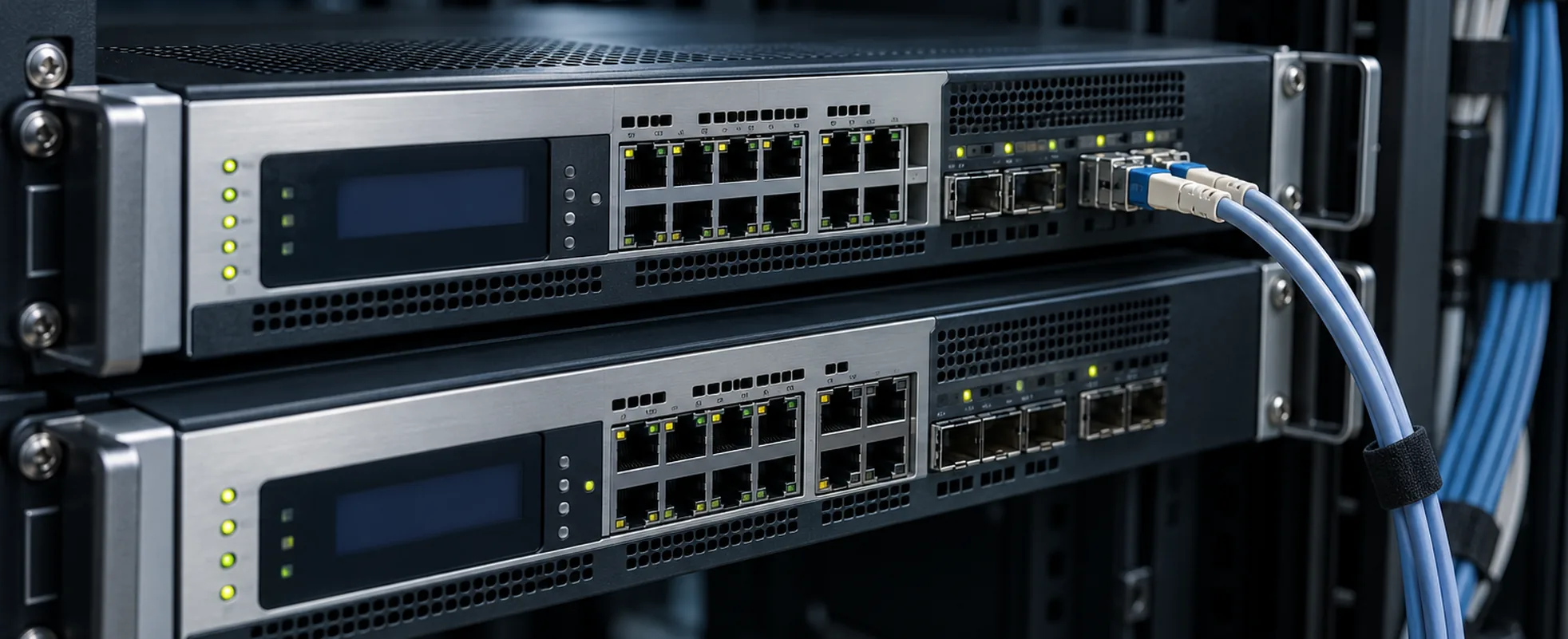
Emergency calling has to be designed in from the start. A SIP trunk carries voice, not a street address, so dispatchable location has to be associated with each call deliberately, and providers implement that differently; some, like Telnyx's dynamic E911 implementation, resolve location per call. A single-site office is simpler than a multi-site company or remote and hybrid users on one trunk; each needs its own answer for how a 911 call reaches the right address.
U.S. multi-line telephone systems fall under federal requirements (Kari's Law and RAY BAUM'S Act) that generally call for direct 911 dialing without a prefix, on-site notification when a 911 call is made, and dispatchable location sent to the call center. The FCC's MLTS 911 requirements guidance lays out the specifics; this isn't legal advice. Before cutover, confirm with your provider how emergency calling will behave for every site and class of user, and test it.
Buyers often ask this last, though it matters as much as anything in a quote: what happens to our calls when something breaks? The circuit, PBX, SBC, or provider network can each fail in different ways, so "we have failover" isn't a complete answer until you know which failures it covers.
Inbound and outbound calling can fail independently. Inbound calls might shift to a forwarding number or a secondary site while outbound calling is still down, or the reverse, depending on how the provider and your PBX are configured. If continuity matters, ask how failover works for each failure point, whether it needs a secondary circuit or endpoint, and who triggers it versus who notices it. Answers vary by provider and setup; we help sort that out before you commit.
SIP trunking is only as good as the connection carrying it. When the design calls for it, we can source SIP connectivity alongside business internet, dedicated internet access, or managed SD-WAN, so voice isn't fighting everything else on the same pipe.
Give each provider the same scope, and resolve any differing assumption before comparing totals.
The same peak call paths, with any separate inbound and outbound limits.
The same number inventory, destinations, minutes, and overage rules.
The same PBX version, SBC ownership, and transcoding needs.
The same circuit and QoS assumptions, with a named owner for testing.
The same sites, emergency calling design, and owner for location data.
The same numbers, losing-carrier details, and cutover support.
The same secondary path, and stated behavior per failure scenario.
The same monitoring, support hours, and escalation boundaries.
The same term and minimums, with recurring, usage, and exit terms itemized.
The specs and documentation behind this page.
IETF standard
How SIP sets up, modifies, and ends a call.
Read RFC 3261 →Microsoft docs
Microsoft's SBC and connectivity requirements for Direct Routing.
Read the planning guide →Microsoft docs
The SBC models and firmware Microsoft supports for Direct Routing.
See certified SBCs →Cisco docs
Where common latency, jitter, and packet-loss targets for voice come from.
Read Cisco's QoS guidance →FCC guidance
The federal direct-dial, notification, and dispatchable-location rules for multi-line phone systems.
Read the FCC guidance →FCC guidance
The rules behind porting, including why not to cancel old service early.
Read the FCC guidance →Telnyx docs
One provider's approach to resolving location per call.
Read Telnyx's docs →No single rate fits every deployment. Compare channel capacity, numbers, usage, E911, porting, setup, redundancy, support, and contract terms. Request recurring and one-time totals.
Size for peak simultaneous calls, including any separate inbound and outbound limits. Use call records or a realistic traffic estimate rather than seat count.
Often, if it interoperates with the proposed service and still meets your needs. Confirm software version, SIP features, codecs, security, and handoff testing.
Possibly, if the PBX can support SIP trunking directly or through an appropriate interoperability design such as an SBC. Confirm PBX capability, licensing, software or firmware, SBC needs, and provider compatibility before choosing the SIP service.
Some environments can keep the PRI in service while SIP is configured and tested, so calling, routing, numbers, and dependent systems can be checked before disconnecting it. Whether that is possible depends on the PBX, the providers, and the migration design.
It depends on the PBX, provider handoff, and security design. Some PBXs support SIP natively; Teams Direct Routing requires a certified SBC.
Yes, through Direct Routing with a Microsoft-certified SBC and compatible PSTN connectivity. Operator Connect and Microsoft Calling Plans are other Teams calling architectures that don't use your own SIP trunk this way; compare the Teams options.
It varies by carrier, number inventory, and account records. Get the porting steps and confirmed cutover date before changing the old service, then test calls.
Use the same capacity, numbers, usage, PBX and SBC details, E911 locations, porting scope, failover, support, and contract term. Compare itemized totals.
Bring your current PBX, number inventory, call volume, and timeline. We’ll help frame the viable provider paths.